
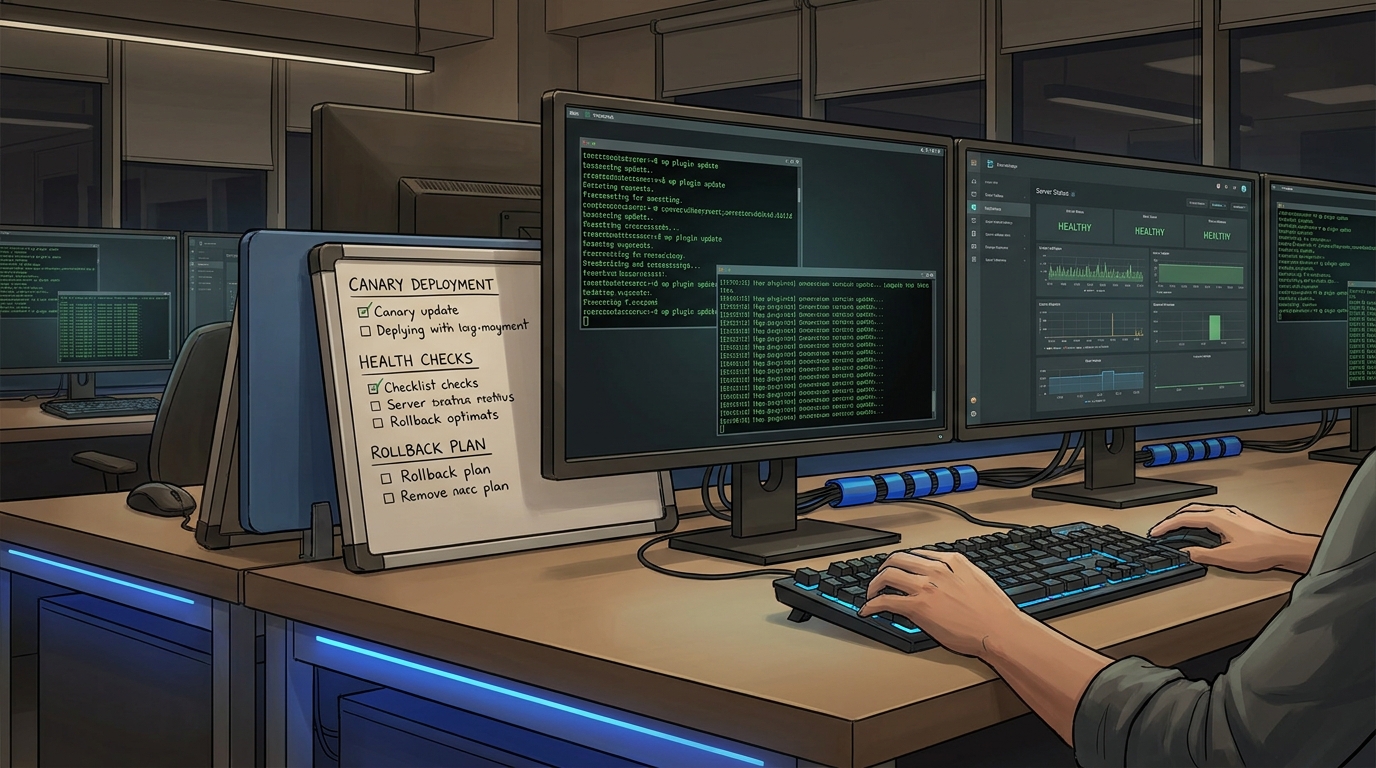
At 6:42 PM on a Friday, I approved what looked like the safest update set of the week: three plugin patches, all marked “security and compatibility.” By 6:49 PM, checkout confirmations were timing out, and support screenshots started arriving faster than logs. The root cause was not one catastrophic plugin bug. It was sequencing. We updated payment, cache, and email plugins in one pass, with no checkpoint to prove each step was healthy before the next one landed.
That incident changed how I handle WordPress updates. Today, I treat plugin changes like application deploys: staged rollout, observable checkpoints, and a rollback path tested before we touch production. This guide is the runbook I now use for wordpress plugin update rollback workflows. It is practical, WP-CLI-first, and designed for teams that do not want “maintenance mode roulette.”
If you are also cleaning up operational drift, these two earlier playbooks pair well with this process: Git-native WordPress content ops and runbook drift prevention with policy gates.
The rollout model: T-minus checkpoints, then one-way doors
Most update failures are not “plugin quality” failures. They are change-management failures: no preflight baseline, no traffic-aware rollout, and no deterministic rollback. A safer model is:
- T-30 min: preflight inventory, database backup, checksum verification, baseline metrics.
- T-10 min: stage updates in a clone, run synthetic tests, confirm admin flows and checkout flows.
- T0: production canary (one plugin at a time), health check after each update.
- T+15 min: broader verification under real traffic, then exit maintenance mode if used.
This is where wordpress staging deployment discipline matters. Updating everything at once saves five minutes and can cost five hours. Plugin interoperability bugs often surface only after object cache warmup, webhook callbacks, or background queue retries.
Preflight script I run before every production update
The preflight phase does four things: records plugin versions, exports the database, checks plugin file integrity, and snapshots a known-good health baseline. I keep this as a shell script in our ops repo.
#!/usr/bin/env bash
set -euo pipefail

WP_PATH="/var/www/7tech.co.in"
STAMP="$(date +%Y%m%d_%H%M%S)"
BACKUP_DIR="/var/backups/wp"
mkdir -p "$BACKUP_DIR"

echo "[1/4] Capture plugin inventory"
wp plugin list \
  --fields=name,status,version,update_version,auto_update \
  --format=csv \
  --path="$WP_PATH" --allow-root \
  > "$BACKUP_DIR/plugins_${STAMP}.csv"

echo "[2/4] Export DB"
wp db export "$BACKUP_DIR/db_${STAMP}.sql" \
  --add-drop-table \
  --path="$WP_PATH" --allow-root

echo "[3/4] Verify plugin checksums (WordPress.org-hosted plugins)"
wp plugin verify-checksums --all --path="$WP_PATH" --allow-root || true

echo "[4/4] Baseline health"
curl -fsS https://www.7tech.co.in/ > /dev/null
curl -fsS https://www.7tech.co.in/wp-json/ > /dev/null

echo "Preflight complete: $STAMP"
A quick note on tradeoffs: wp plugin verify-checksums --all is excellent for detecting unexpected file changes in plugins from WordPress.org. It will not validate commercial plugin distributions that do not publish checksums there, so your baseline inventory export becomes even more important for those.
For recovery planning, this older backup-focused guide is still relevant: immutable backups and restore drills.
Production canary with rollback hooks
After staging validation, production updates run in narrow steps. I do not use blanket --all in high-traffic windows. I update one risk tier at a time, then execute functional probes before moving forward.
#!/usr/bin/env bash
set -euo pipefail

WP_PATH="/var/www/7tech.co.in"
PLUGINS=("woocommerce" "woocommerce-payments" "redis-cache")

health_check() {
  curl -fsS https://www.7tech.co.in/ >/dev/null
  curl -fsS https://www.7tech.co.in/cart/ >/dev/null
  curl -fsS https://www.7tech.co.in/checkout/ >/dev/null
}

rollback_plugin() {
  local plugin="$1"
  local version="$2"
  wp plugin install "$plugin" --version="$version" --force \
    --path="$WP_PATH" --allow-root
  wp plugin activate "$plugin" --path="$WP_PATH" --allow-root
}

# Optional short maintenance window for schema-heavy updates
wp maintenance-mode activate --path="$WP_PATH" --allow-root || true

for plugin in "${PLUGINS[@]}"; do
  prev_version=$(wp plugin get "$plugin" --field=version --path="$WP_PATH" --allow-root)
  echo "Updating $plugin from $prev_version"

  wp plugin update "$plugin" --path="$WP_PATH" --allow-root

  if ! health_check; then
    echo "Health check failed after $plugin update. Rolling back..."
    rollback_plugin "$plugin" "$prev_version"
    wp maintenance-mode deactivate --path="$WP_PATH" --allow-root || true
    exit 1
  fi

done

wp maintenance-mode deactivate --path="$WP_PATH" --allow-root || true
echo "Canary updates complete"
This wp-cli plugin update pattern gives you smaller blast radius and faster mean-time-to-recovery. The key is that rollback data (previous versions, DB export location, last good synthetic checks) is prepared before the first update command runs.
Where teams usually get hurt (and how to avoid it)
1) Silent dependency shifts. Payment, caching, and security plugins can introduce behavior changes even in minor releases. Check compatibility notes, then run checkout and login probes immediately after each update.
2) Background job backlog after maintenance. If maintenance mode is active too long, webhooks and scheduled actions can flood queues when traffic resumes. Keep maintenance windows short and verify action scheduler queues after re-open.
3) Schema migrations with no warmup plan. Some plugins migrate data on first admin request. Run a warmup pass in staging and capture migration runtime before production.
4) Cache incoherence. Object cache and page cache can preserve stale assumptions. If behavior looks inconsistent post-update, perform targeted cache flush, then re-test authenticated and guest paths separately.
If your site also handles strict frontend behavior contracts, this JavaScript cancellation write-up has a similar “fail fast, recover cleanly” mindset: AbortController cancellation patterns.
Troubleshooting: when the update partially succeeds
Symptom: Plugin shows updated, but feature is broken
- Run
wp plugin status <plugin>and confirm active state. - Check plugin PHP errors in server logs immediately after request replay.
- Rollback that plugin to previous version, then isolate with staging diff.
Symptom: Site is stuck in maintenance mode
- Run
wp maintenance-mode status. - If active unexpectedly, run
wp maintenance-mode deactivate. - If CLI cannot clear state, remove
.maintenancein WordPress root and retest.
Symptom: Checksum verification reports many failures
- Confirm whether affected plugins are WordPress.org-hosted or commercial packages.
- For org-hosted plugins, treat unexpected checksum mismatch as high priority.
- For commercial plugins, rely on signed vendor release process and your artifact inventory.
Symptom: Checkout passes for admins, fails for users
- Re-test with logged-out session and mobile network profile.
- Inspect caching and CDN behavior for session or nonce leakage.
- Re-run payment webhook callback tests against latest order events.
FAQ
1) Should I always use maintenance mode for plugin updates?
No. Use wordpress maintenance mode selectively for schema-heavy or high-risk updates. For many low-risk updates, canary plus health probes is safer than a full maintenance window.
2) Is wp plugin update --all ever acceptable?
Yes, in low-traffic windows with tested rollback and strong observability. For business-critical plugins, phased updates are usually the better tradeoff between speed and reliability.
3) How often should I test rollback, not just backup?
At least monthly, and before major seasonal traffic periods. A backup without a timed restore rehearsal is only a hope, not a recovery plan.
Actionable takeaways for this week
- Create a preflight script that captures plugin inventory, DB export, and baseline health checks.
- Move from bulk updates to canary sequence for payment, cache, and auth-related plugins.
- Document rollback commands with exact previous plugin versions before each update window.
- Add synthetic probes for homepage, login, cart, checkout, and REST API health after each update step.
- Run one full rollback drill this month and record total recovery time in your ops notes.
Sources reviewed
- WP-CLI: wp plugin update (Last modified April 25, 2026)
- WP-CLI: wp plugin verify-checksums (Last modified April 25, 2026)
- WP-CLI: wp db export (Last modified April 25, 2026)
- WP-CLI: wp maintenance-mode (Last modified April 25, 2026)
Done right, plugin updates stop feeling like coin flips. They become boring, measurable operations. That is exactly what production WordPress deserves.
Leave a Reply